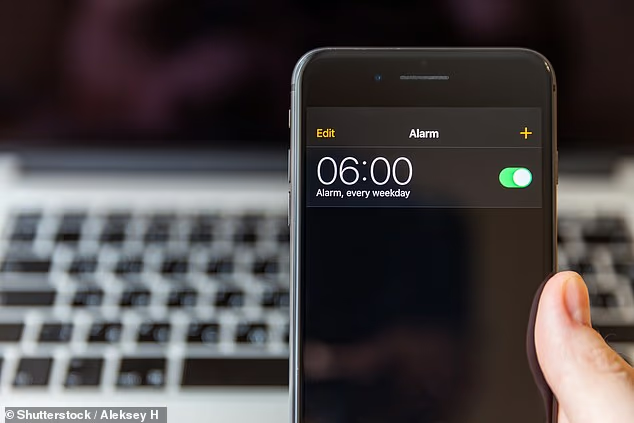
A holidaymaker missed her flight due to a simple iPhone setting mistake.
Brett Chody said she woke up too late for an early-morning flight to Chicago as a result.
She posted a video on TikTok, which gained more than 217,900 likes.
Brett said in the clip: ‘I missed my original flight to Chicago this morning because I set an alarm on my iPhone in the alarm app from Apple and it went off, but silently.
‘I woke up at 6.30am on my own – my flight had taken off. I picked up my phone and it said “alarm going off” but it was dead silent.
‘It had been going off for two and a half hours.
‘Thankfully I got rebooked on a later flight, but when I was ready to joke about it on Instagram, literally I think around 100 people swiped up and were like, “This happened to me, I missed an exam, I missed a shift, I missed my first day of work.
‘It’s been happening to me so much on my iPhone.”‘
iPhone alarms might be essential for an early wakeup – but one traveller missed her flight as a result of a small mistake
Fortunately, there are ways to ensure this doesn’t happen to you.
The first step is to check your ‘Attention Aware Features’ settings on your iPhone.
When you’re looking at your device, it will lower the volume of your alerts if switched on, Apple’s website explains.
Once you look away, the volume of your alerts will go back to normal, hopefully ensuring your alarm goes off.
But if you want to avoid any risk, it might be better to ensure it’s switched off, so the volume of the alarm doesn’t lower at all.
Go to Settings, then Face ID & Passcode, enter your passcode, and then toggle off the ‘Attention Aware Features’ switch.
You could also go into your ‘Sounds & Haptics’ settings to see if your volume for ‘Ringtones’ and ‘Alerts’ is at the correct level.
Alternatively, turn your phone face-down at night.

There are ways to ensure your volume stays up so you don’t sleep through an alarm
It’s clear this isn’t the first time the issue has affected people, with many posting their experiences in the comments on Brett’s video.
One wrote: ‘Yes this has happened to me,’ with many others in agreement.
A second added: ‘I almost lost my job over this, it’s the attention awareness feature, turn that off, it hasn’t happened to me since.’
A third chimed in: ‘Alarms are supposed to be ALARMING.’